How do the latest HDF5 2.0.0 features translate to real-world NASA data? Aleksandar Jelenak on Call the Doctor 1/27/26
The HDF Group’s Senior Informatics Architect, Aleksandar Jelenak (@ajelenak) will demonstrate the power of the revamped ROS3 virtual file driver included in the new HDF5 2.0.0 release. By using cloud-optimized HDF5 files and AWS temporary credentials, he will show how to efficiently run standard tools like h5dump on data hosted in the Earthdata Cloud.
What you’ll learn:
- How HDF5 2.0.0 reduces latency for S3-hosted data.
- Best practices for using
h5dump and other command line tools in the cloud.
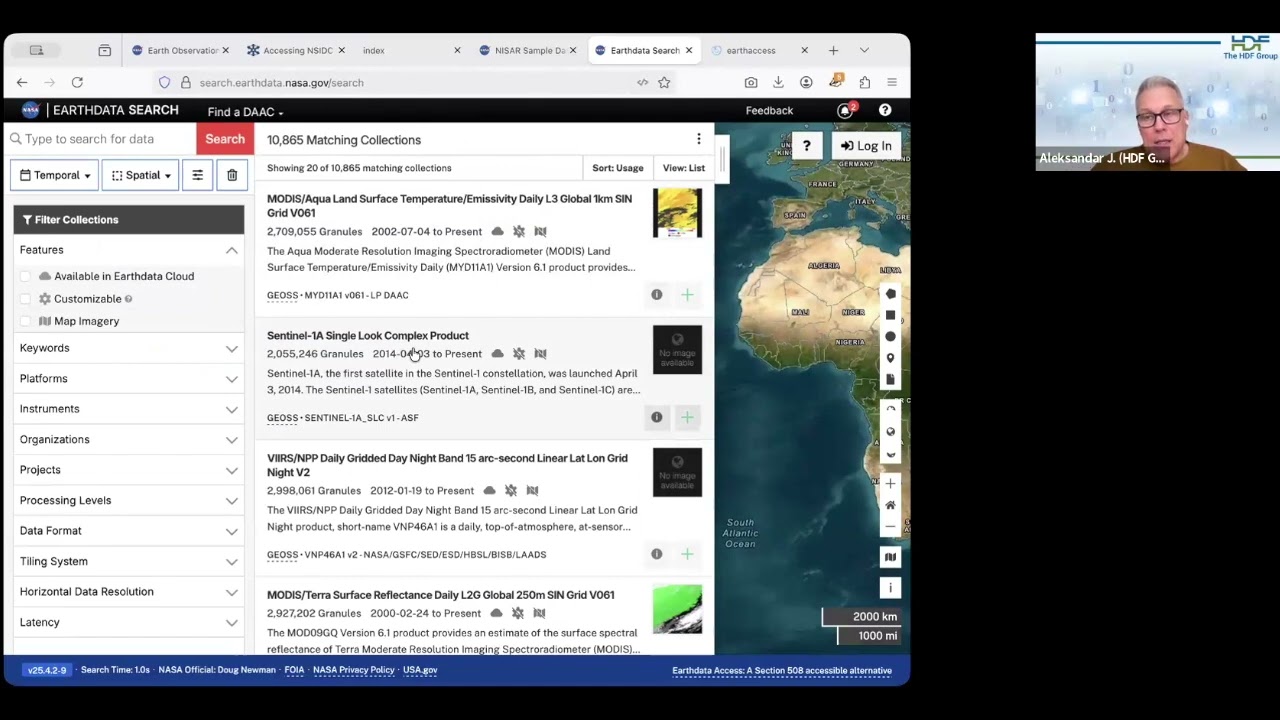
- A workflow for finding and utilizing NASA EOS data via Earthdata Search.
To join, just jump on the zoom:
Launch Meeting - Zoom
January 27,12:20 p.m. central time US/Canada
The Python script I talk about in the video is here.
When I demoed access to a NISAR granule I made a mistake and used the PODAAC data center instead of ASF (Alaska Satellite Facility) as the source of AWS temporary credentials. However, later I discovered the temp. credentials obtained by the earthaccess Python package in my script do not seem to work for the NISAR granules. The credentials I manually generated from https://nisar.asf.earthdatacloud.nasa.gov/s3credentials work. I reported this in the earthaccess repository, AWS temporary credentials from the ASF endpoint do not work for NISAR granules · Issue #1184 · nsidc/earthaccess · GitHub.
1 Like
This week on Call the Doctor, Aleksandar talked about how the revamped ROS3 virtual file driver in HDF5 2.0.0 optimizes cloud workflows for NASA Earthdata, demonstrating how to reduce latency and run command-line tools like h5dump directly on S3-hosted data.
Here’s the recording for that session.